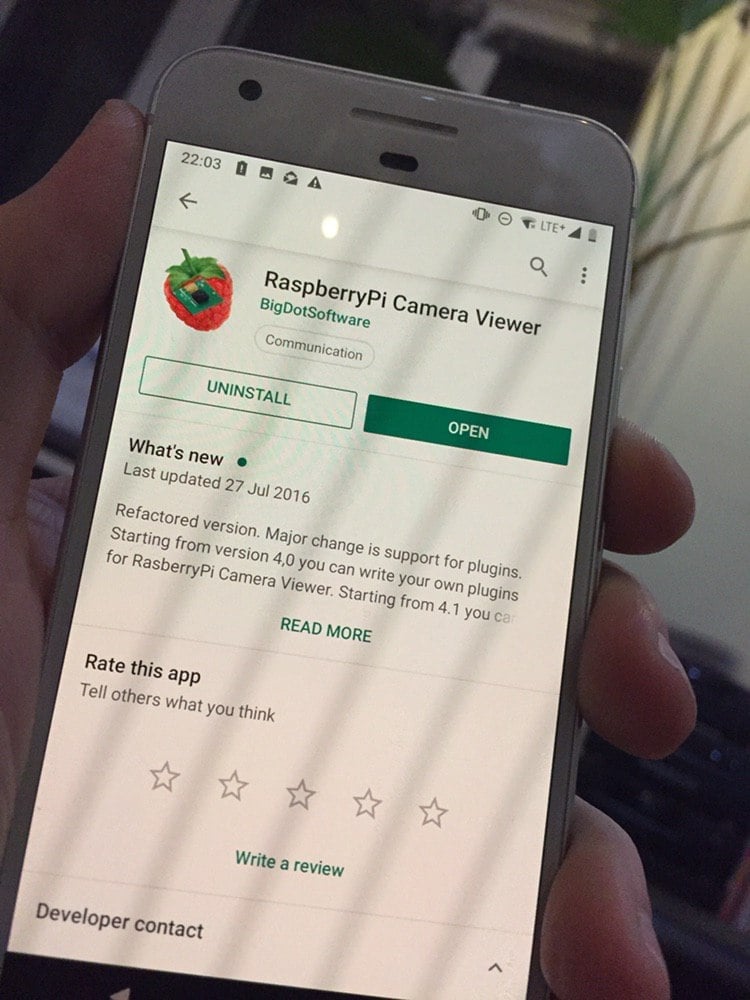
RaspberryPi Camera Viewer
Use this as a third-party receiver only after confirming it can decode the codec forwarded by Ground. Use QOpenHD for configuring the OpenHD link and viewing its status.
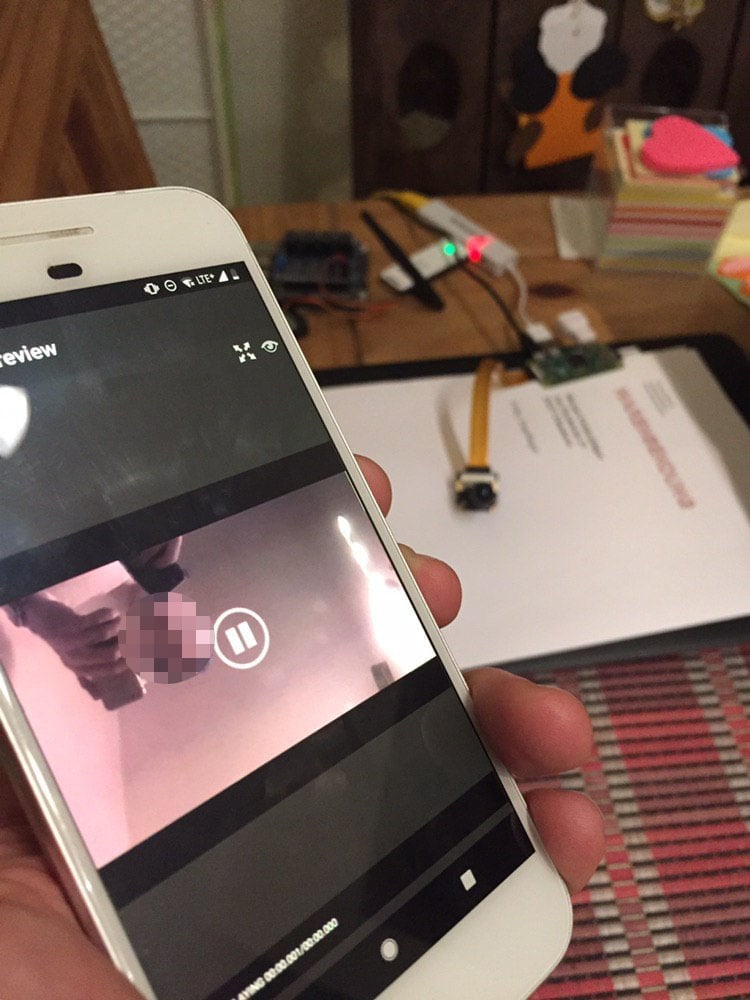
Displaying the video stream via RaspberryPi Camera Viewer
Connect your device either via USB Tethering, Wifi-Hotspot or Ethernet-Hotspot to the GroundPi.
Android
App Settings
-
Click on the "+" Icon to create a new camera preset (on the bottom right)
-
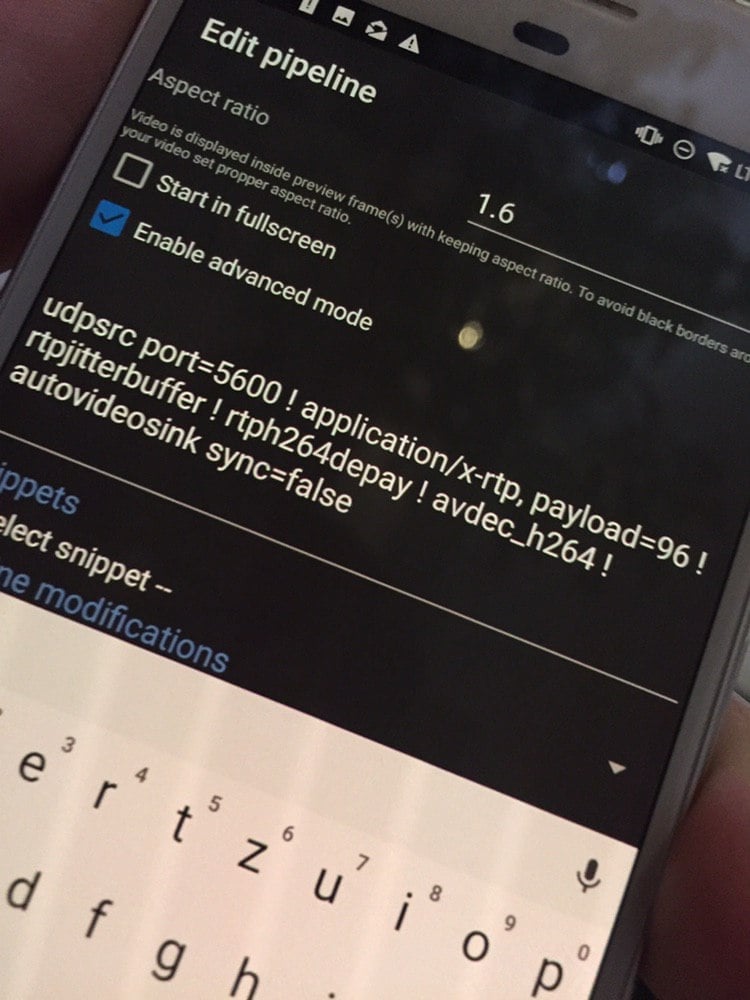
Next choose "Enable advanced mode" and enter the following gstreamer pipeline:
udpsrc port=5600 ! application/x-rtp, payload=96 ! rtpjitterbuffer ! rtph264depay ! avdec_h264 ! autovideosink sync=false
Set FORWARD_STREAM=rtp in openhd-settings-1.txt