QGroundControl
Displaying the video stream via QGroundControl
info
OpenHD has a custom QGC app available. Download the apk from the here. It will automatically configure and display our custom OSD.
Connect your device either via USB Tethering, Wifi-Hotspot or Ethernet-Hotspot to the GroundPi.
For WiFi connect to the OpenHD WiFi with your computer Default SSID is "Open.HD", default password is "wifiopenhd", channel is 1.
Android Manual Setup
QGroundControl App Set FORWARD_STREAM=rtp in openhd-settings-1.txt to send use a RTP encapsulated h264 video stream to the app. Set udp port to 5600
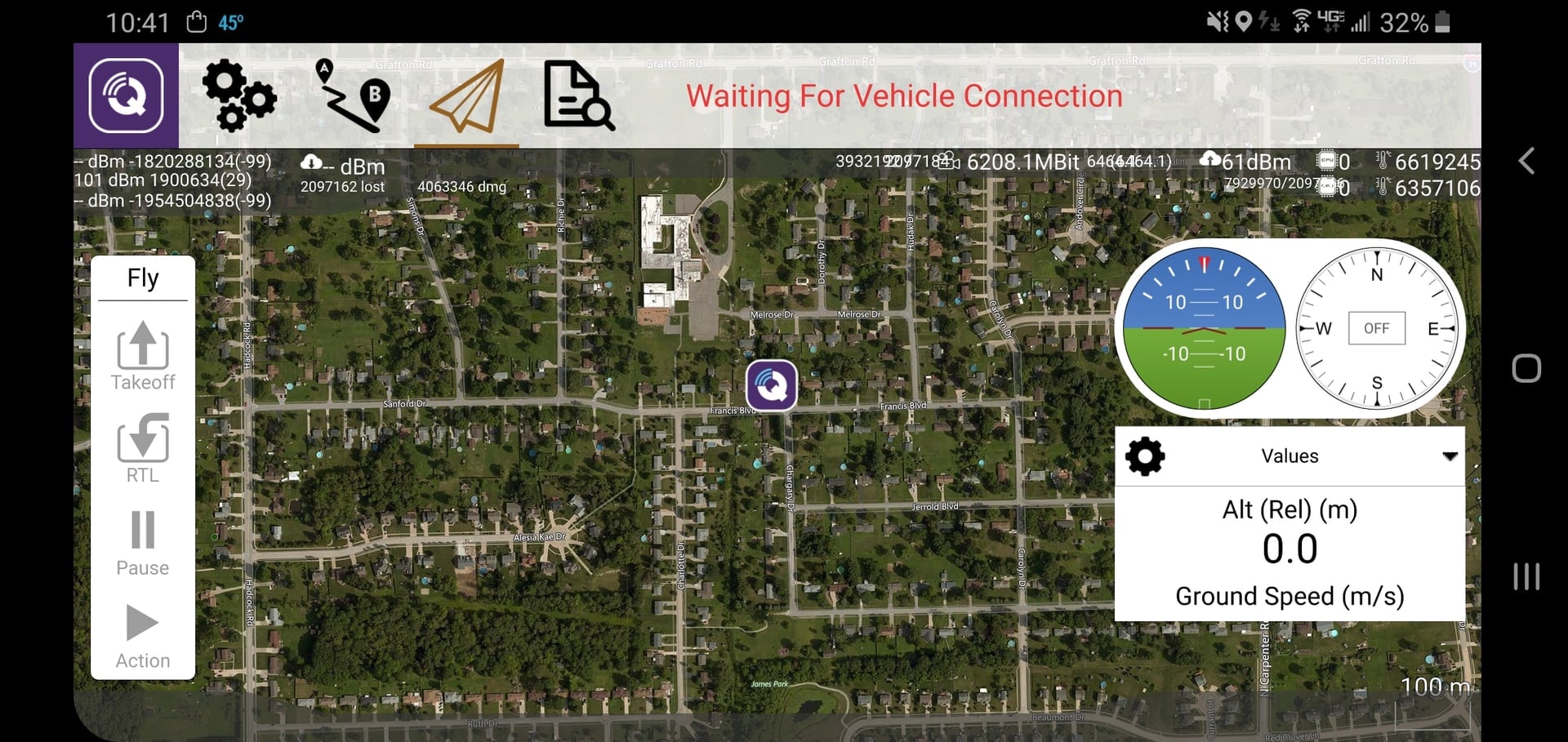
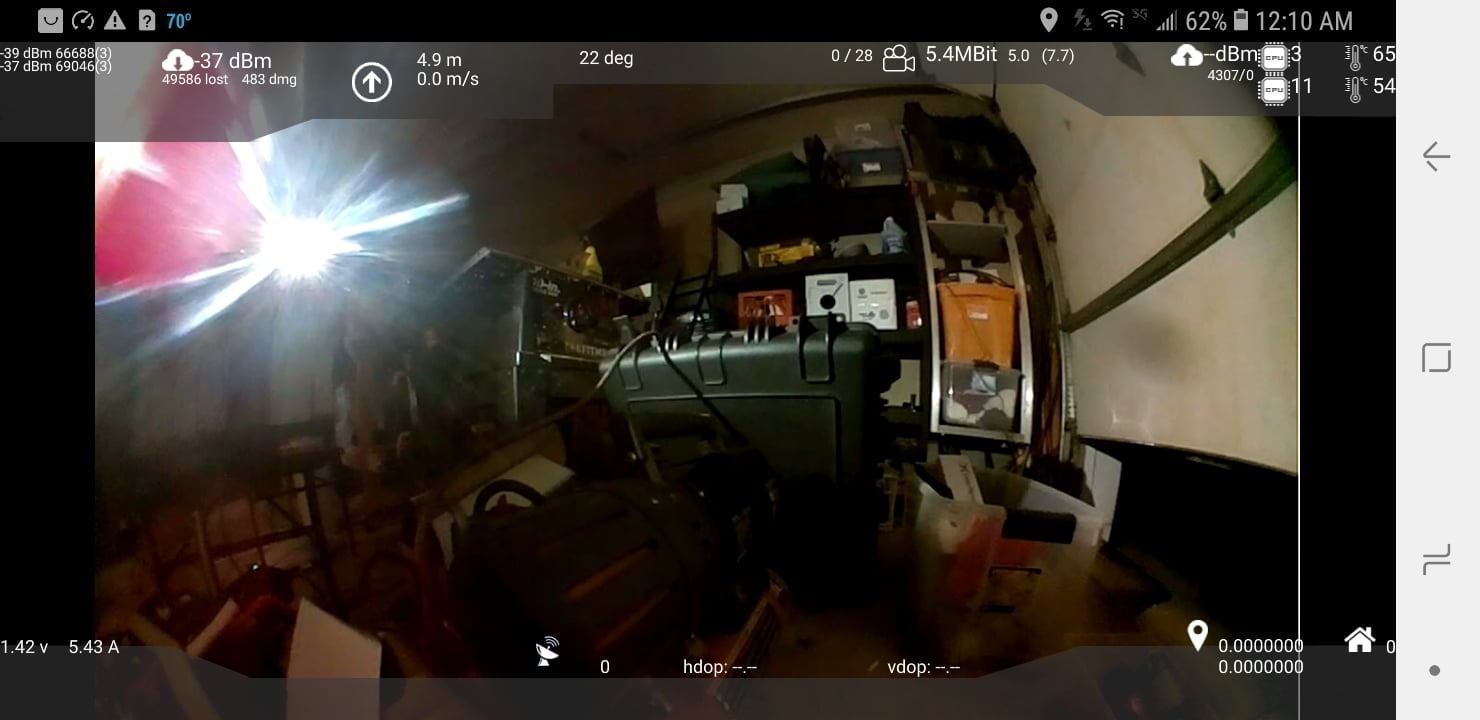
(Modified QGC APP with Open.HD Up/Down RSSI and system data overlay)